
Find and organize every file.
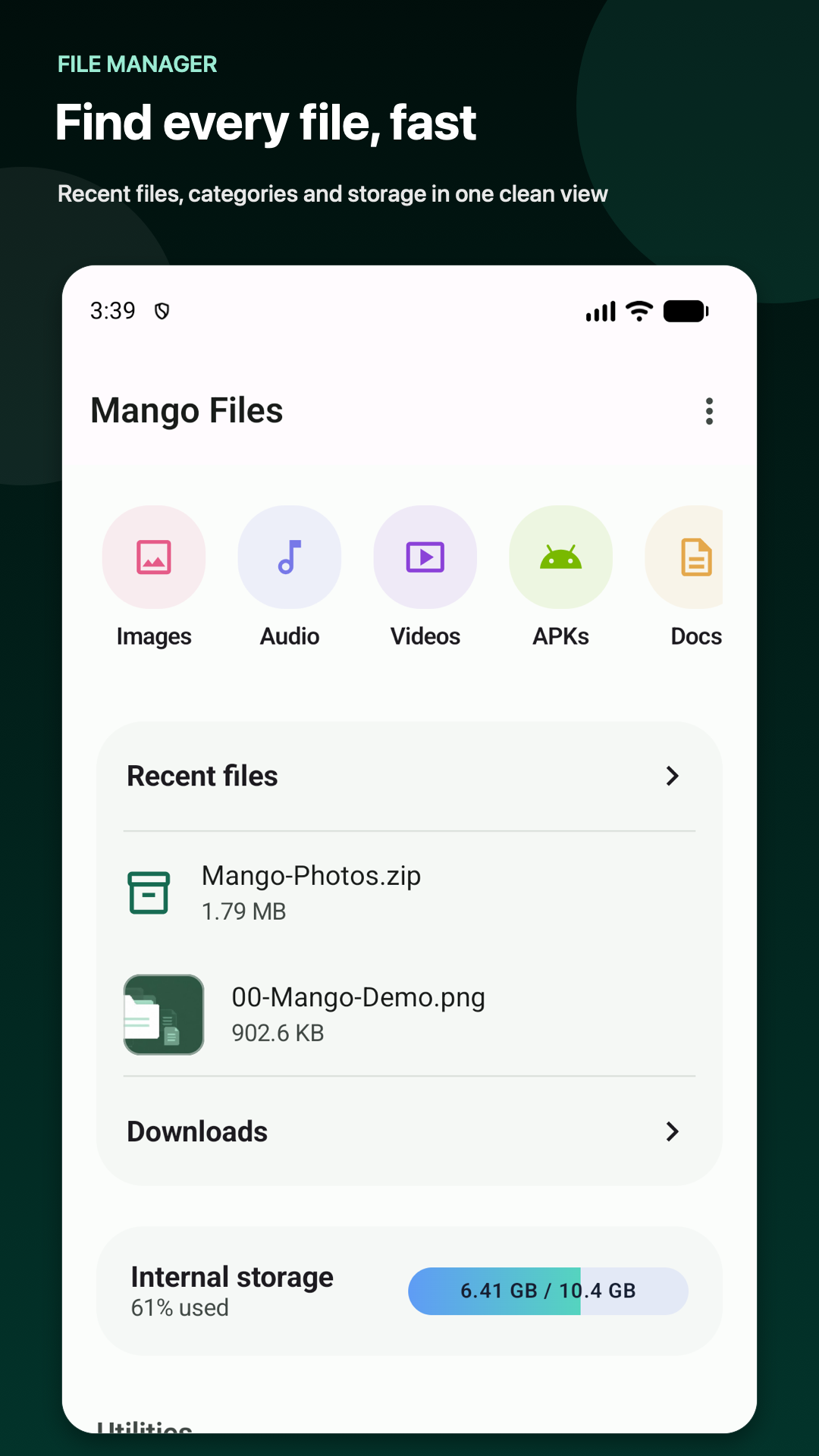
Browse internal storage, Downloads, SD cards, connected USB storage, and folders you choose. Copy, move, rename, sort, search, share, and create folders with clear list and grid views.
Open archives without the detour.
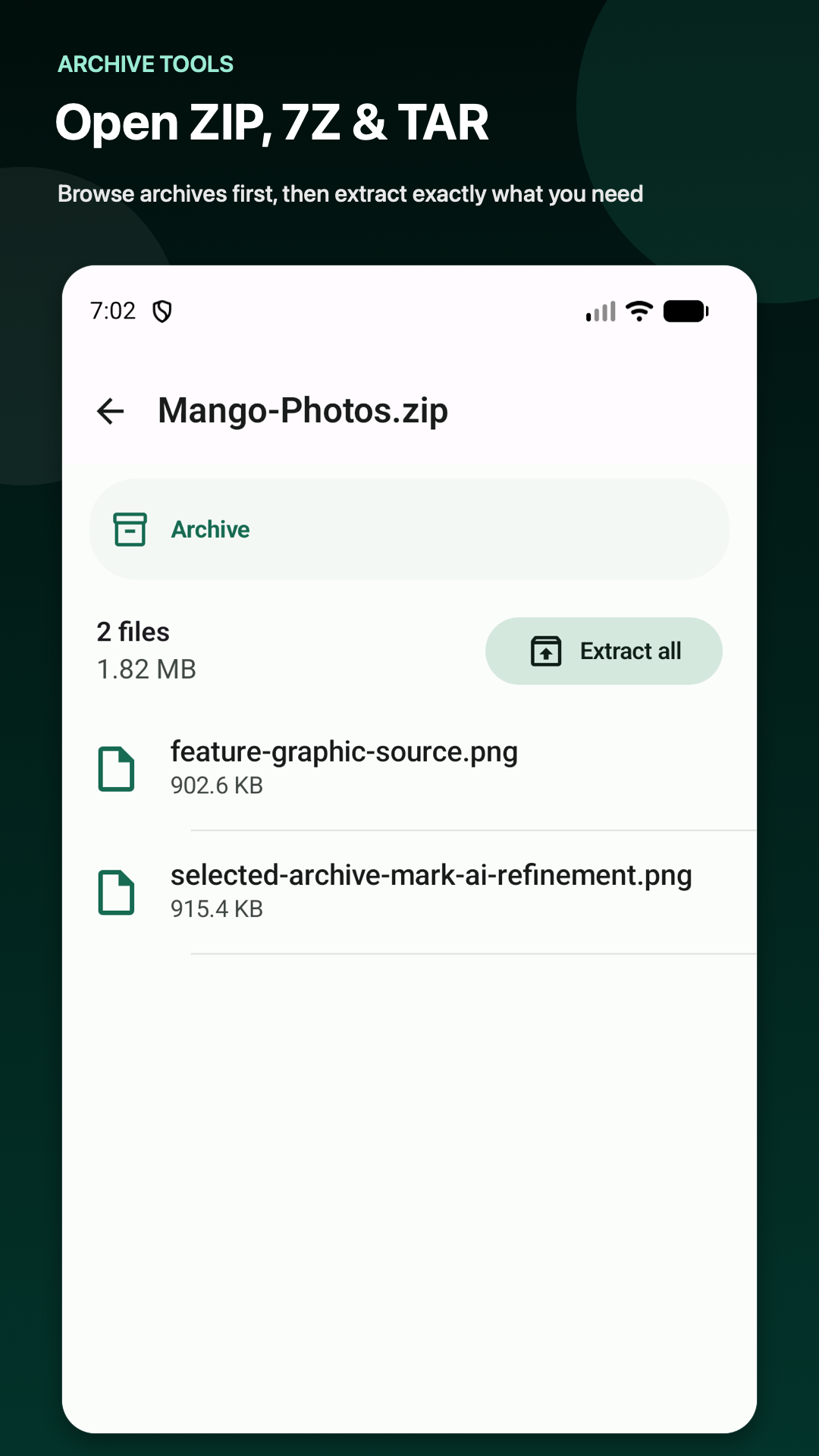
Create ZIP files, add password protection, and browse ZIP, JAR, and CBZ archives before extracting. Mango Files Pro adds 7Z, TAR, TAR.GZ, TAR.BZ2, TAR.XZ, GZ, BZ2, and XZ support.
Free space with confidence.
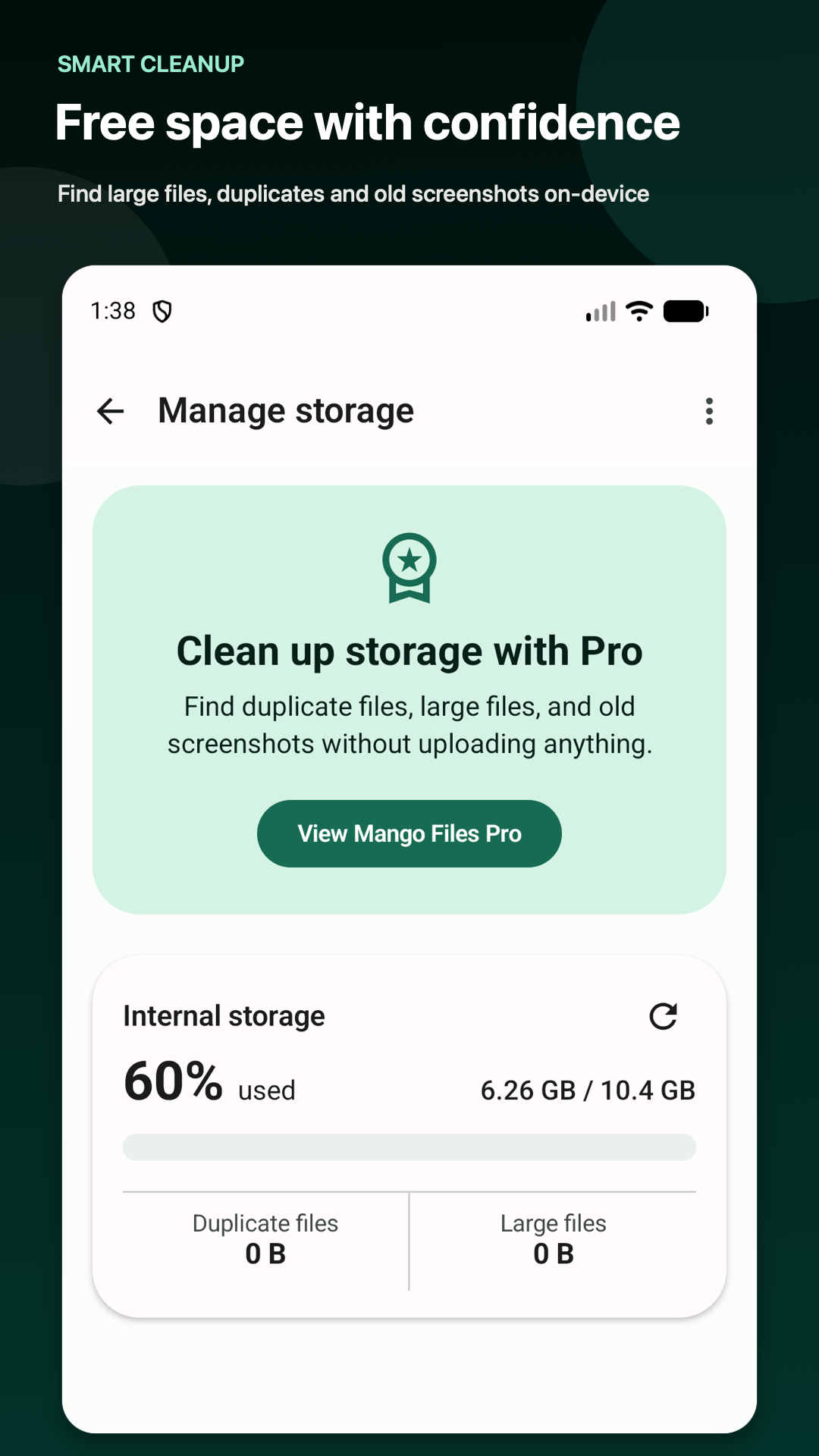
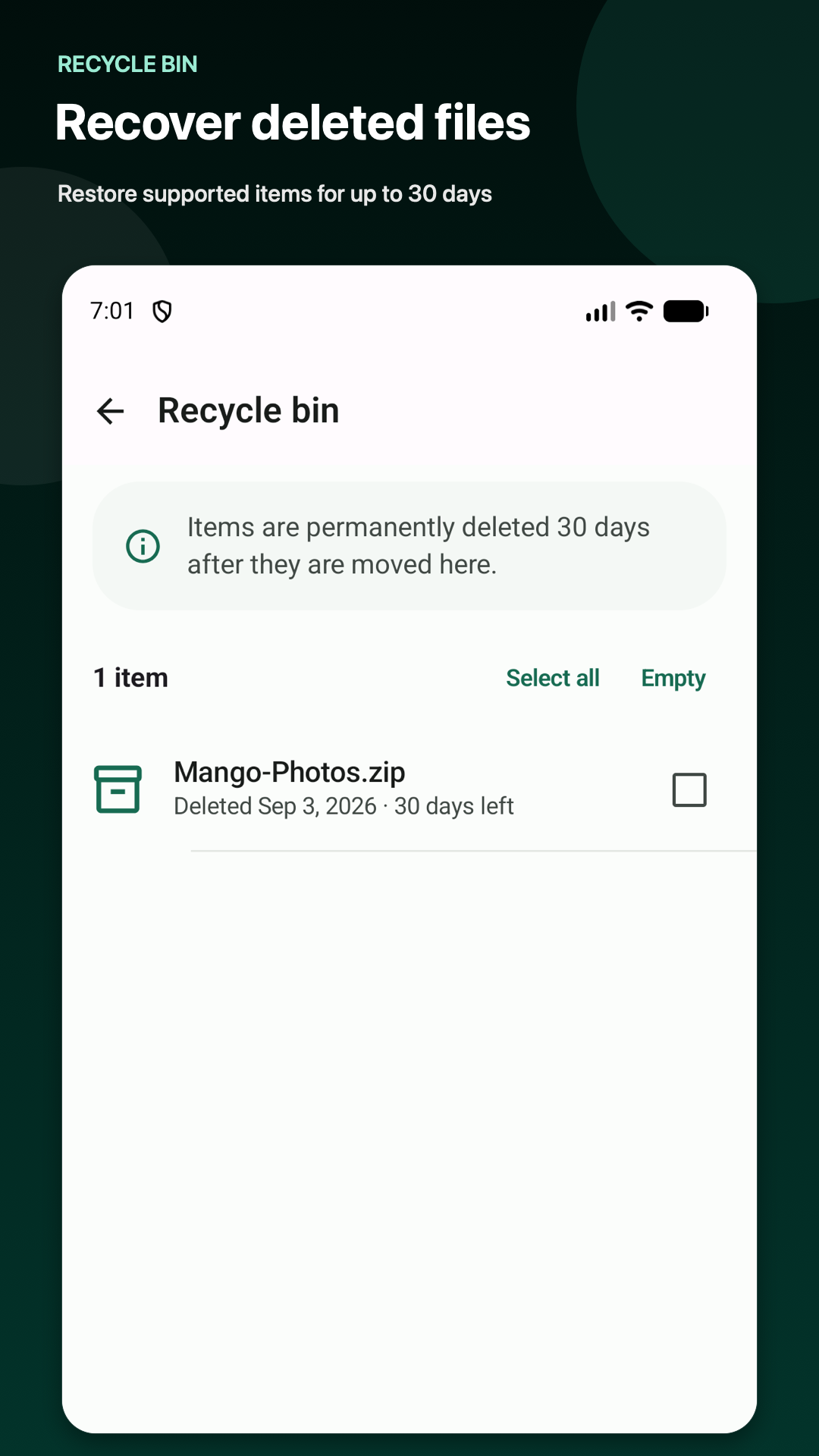
See storage use at a glance and find large files, duplicate files, and old screenshots on your device. Supported deleted items can remain recoverable in the Recycle bin for up to 30 days.
Private by design.
Your filenames, search terms, archive passwords, thumbnails, and file contents are processed locally and are not uploaded by Mango Files. Storage access remains under your control in Android settings.